新版舊版
The 7 levels of Claude Code
Most people stop at level 3. This page takes you all the way to level 7

黃志弘 Leo
Published 2026-06-09 · 6 readers
You use ChatGPT and Claude every day to write copy, answer questions, look things up. What you may not know: that is only "level 1".
Same AI, different way of using it, and the gap in what it can do for you is more than 10x. The difference has little to do with how well you write instructions. It comes down to how much of your real work you let the AI reach.
This page uses 7 levels to show where you are now and how to climb one step up. You can follow this without writing code. For every level I say what it actually means for you.
Same AI, different way of using it, and the gap in what it can do for you is more than 10x. The difference has little to do with how well you write instructions. It comes down to how much of your real work you let the AI reach.
This page uses 7 levels to show where you are now and how to climb one step up. You can follow this without writing code. For every level I say what it actually means for you.
7 levels, from level 1 to level 7
1Prompts — you ask, it answers
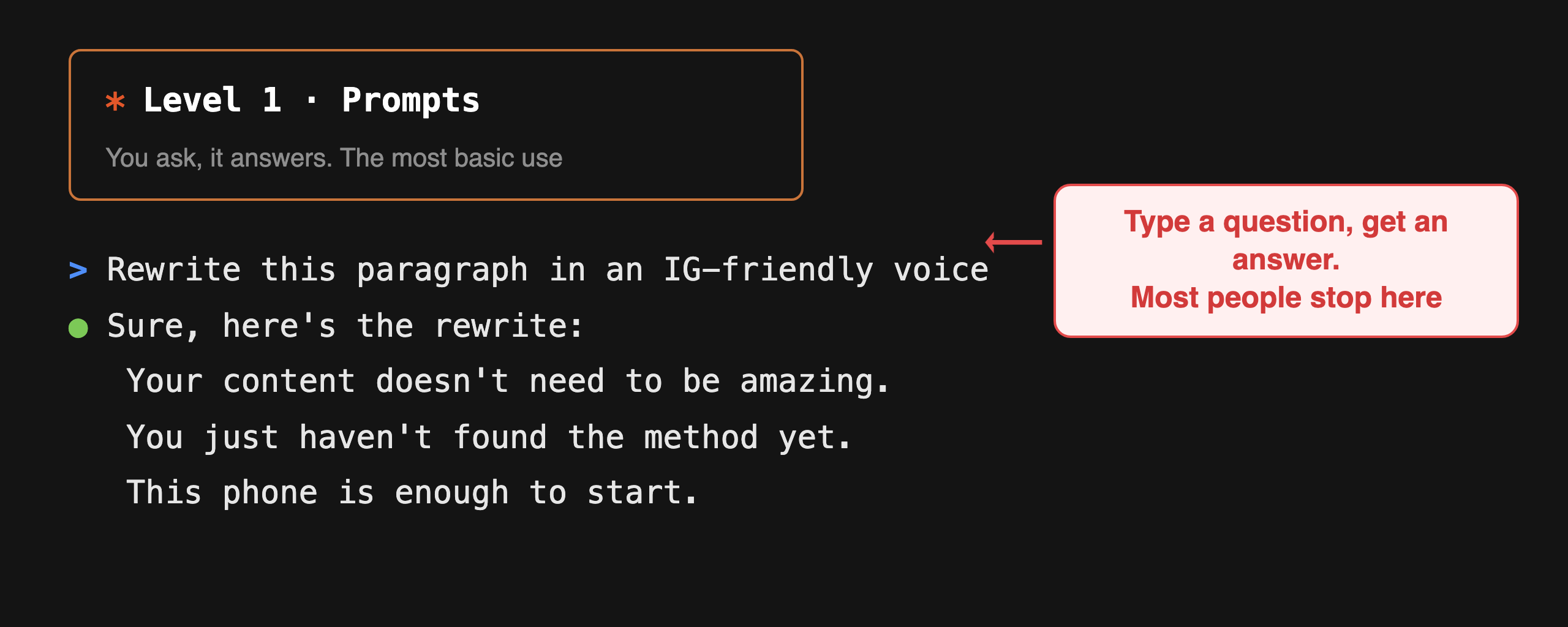
Open the chat box, type, it answers, one question at a time. The trick is to state the role, the audience and the format you want, all in one go.
What it means for you: Answers land closer to what you wanted. This is only the entrance, and 80% of people stop here.
2Context — give it your real background
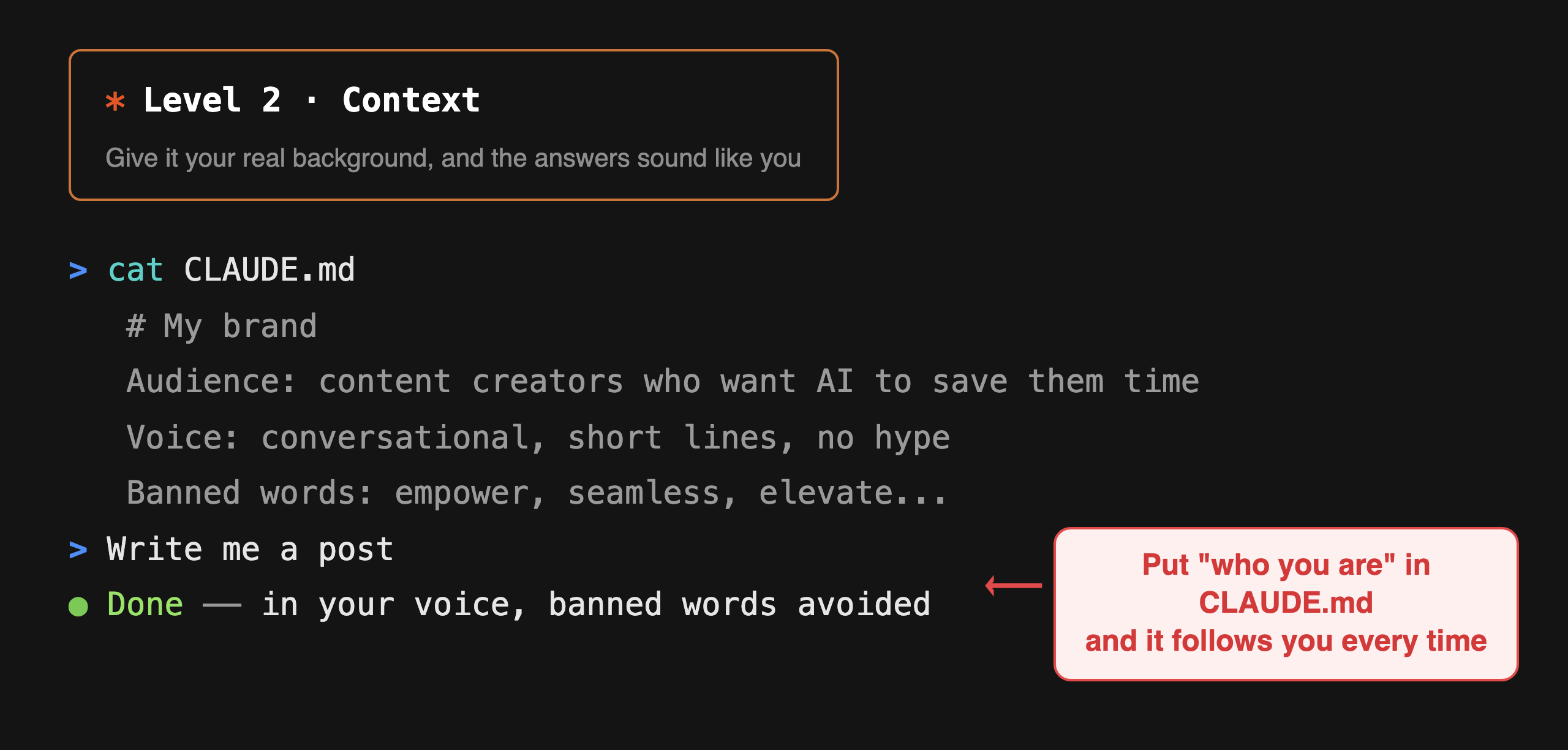
Write who you are, your brand voice, and the words you never use into one file (CLAUDE.md) and hand it over. From then on it follows that every time.
What it means for you: Answers go from template-flavoured to your voice, your material. The step you feel the most, and the one most people skip.
3Tools — let it do the work
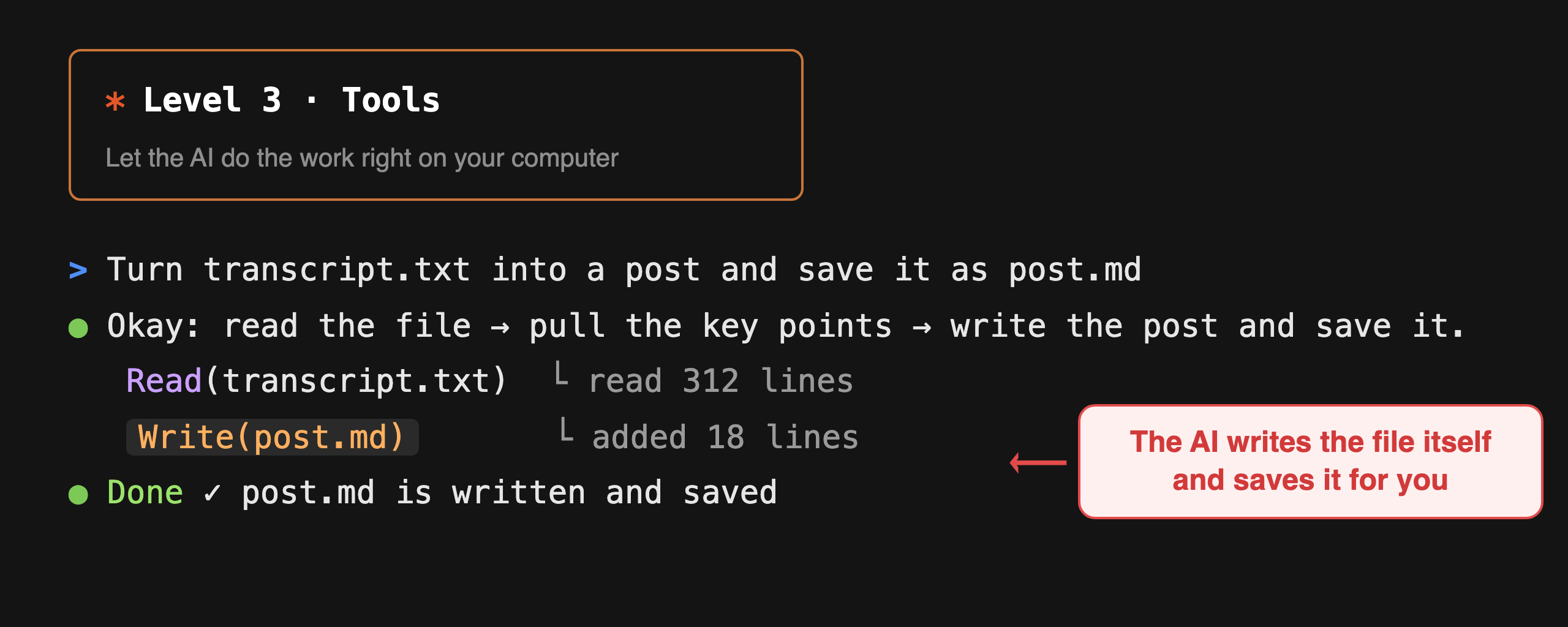
The AI doesn't only answer, it finishes the job on your computer: reading files, writing files, running things, searching the web. That is what Claude Code does.
What it means for you: It moves from giving you advice to getting it done. A messy transcript comes back as a finished post, saved to a file, with no copy-pasting on your side.
Most people get stuck at levels 1–3. Whether you climb higher comes down to one thing: letting the AI reach your real tools and workflows.
4MCP — plug into the apps you use every day
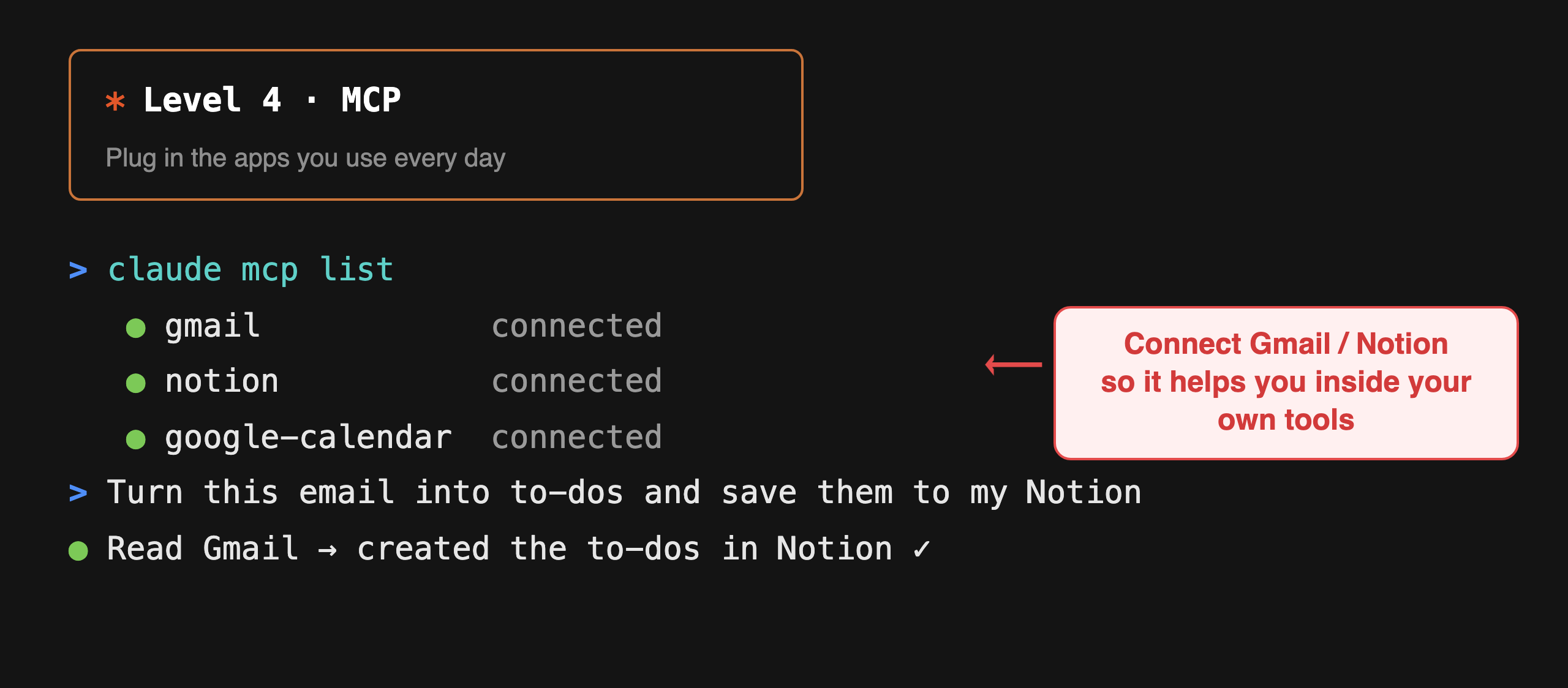
Connect Gmail, Notion, your calendar, your cloud drive, the apps you already use. Then the AI helps you inside your existing workflow.
What it means for you: You say "turn this email into a to-do and save it to my Notion", and it reads the email, sorts it, saves it, with no window switching or copy-pasting.
5Skills — pack a repeated workflow into one command
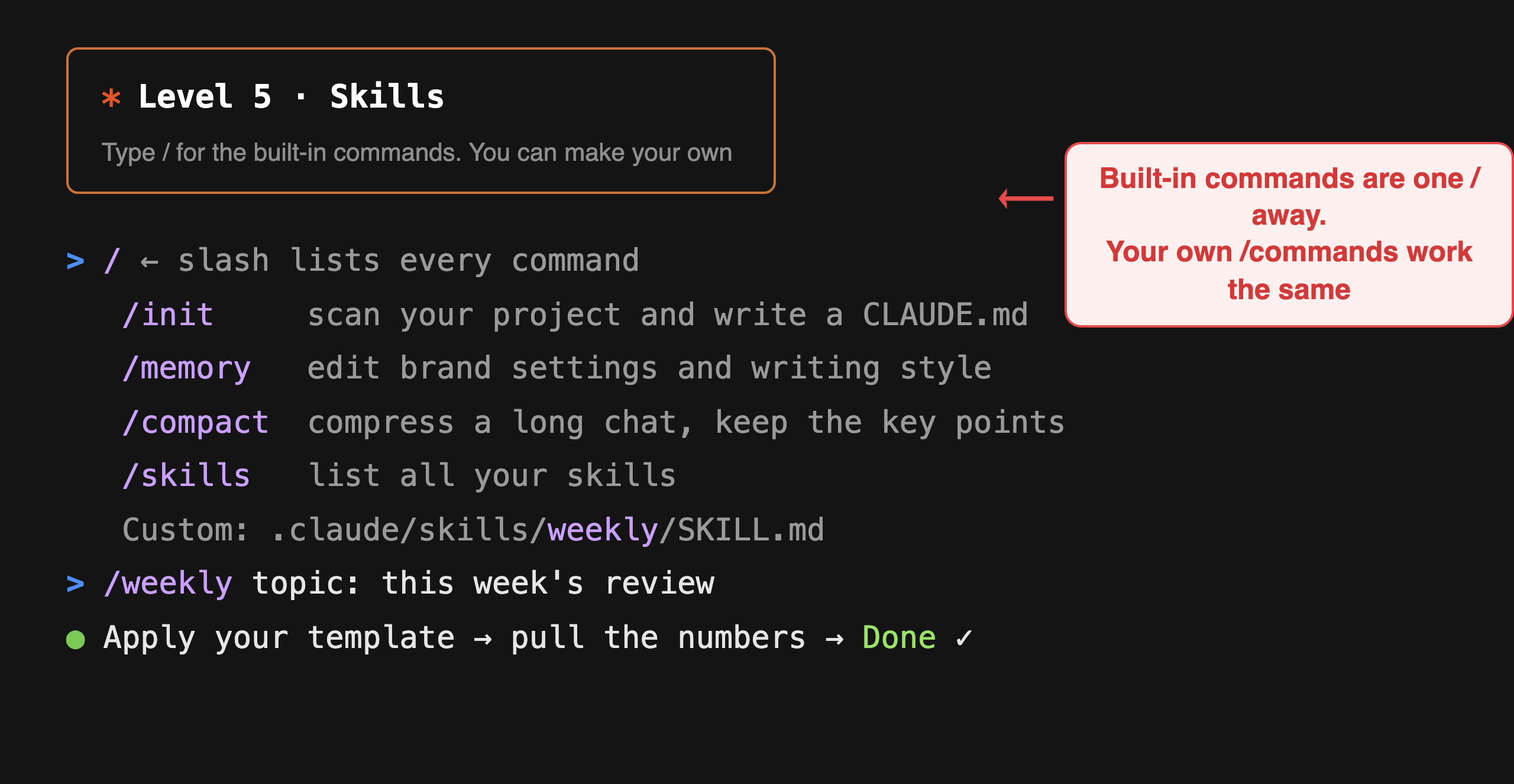
Type
/ and the built-in commands show up (/init, /memory, /compact…). A workflow you run often can also be saved as a file and become your own /command.What it means for you: The repetitive chores that eat your time: set them up once, then one sentence gets them done.
6Subagents — a crew working in parallel
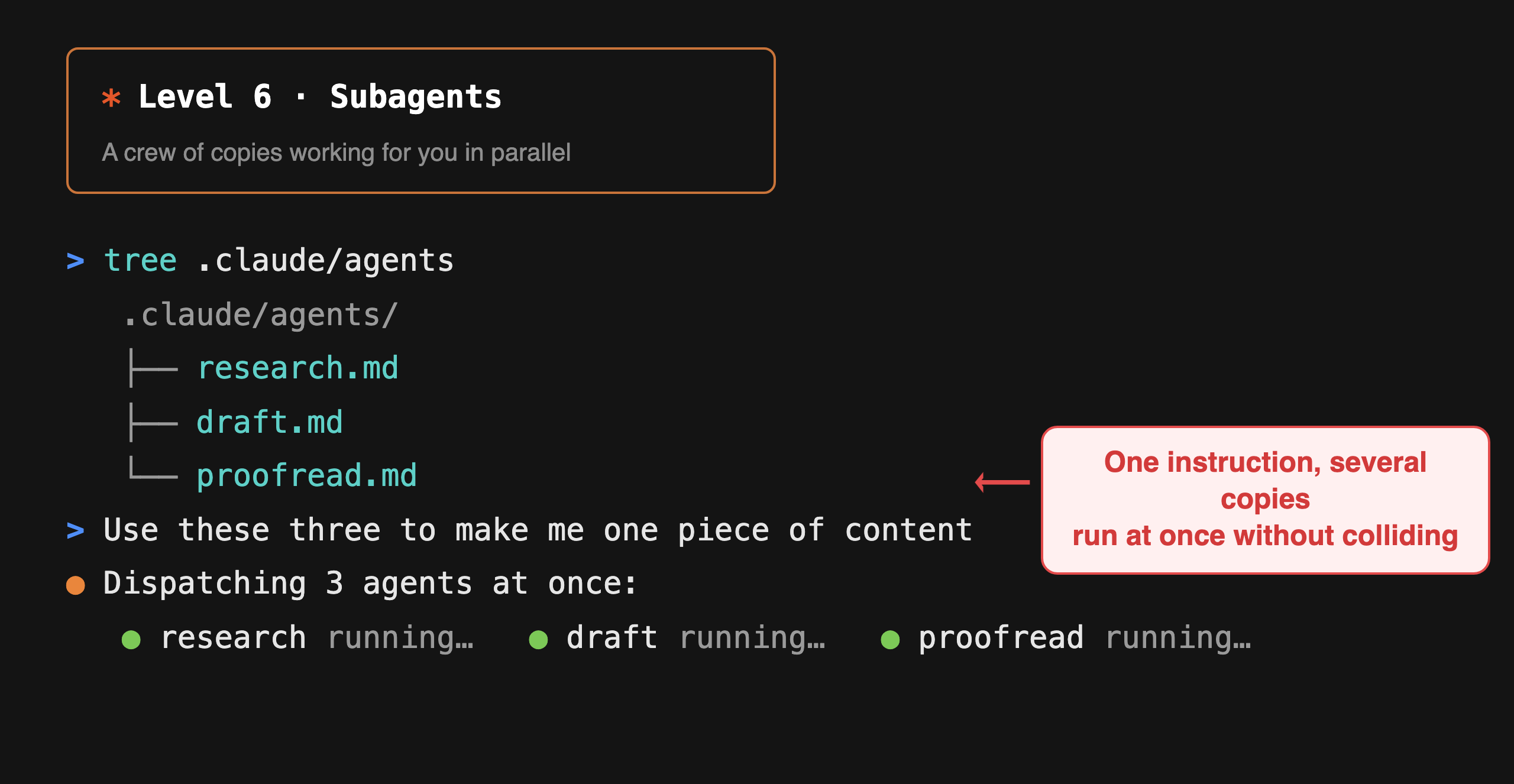
Send out several subagents to handle different tasks at the same time. You brief them once, they each run on their own and don't trip over each other.
What it means for you: Writing one piece: one gathers the research, one writes the draft, one proofreads, all at the same time, at double the speed.
7Agent Teams — a team that coordinates itself
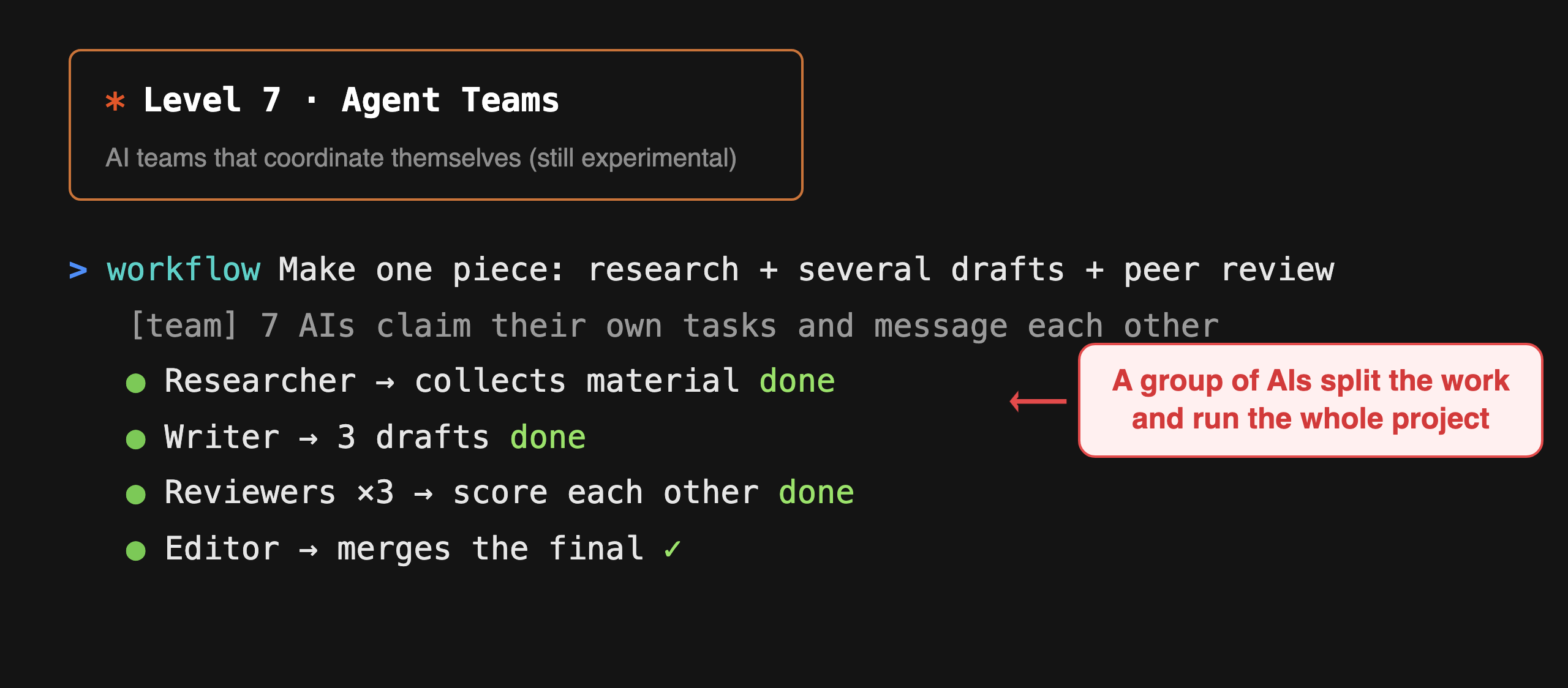
The most advanced setup, still experimental: a whole group of AIs messaging each other, claiming tasks, staying in sync, running a full project together.
What it means for you: You direct, and an AI team that splits up its own work gets the whole thing done.
Which level are you on?
| Level | What you're doing |
|---|---|
| 1 Prompts | You type, it answers |
| 2 Context | You give it your files and rules |
| 3 Tools | You let it do the work itself |
| 4 MCP | Plugged into the apps you use daily |
| 5 Skills | Repeated workflows in one command |
| 6 Subagents | Several subagents in parallel |
| 7 Agent Teams | A group of AIs coordinating themselves |
Most people get stuck at levels 1–3. The key to climbing isn't better instructions. It is letting the AI reach your real work: your files, your tools, the routines you repeat.
FAQ
Can I reach levels 4–7 without writing code?
Yes. MCP connects through a settings page with checkboxes, no code involved. Skills and subagents are things you describe in plain words. What matters is the idea: knowing the AI can reach your tools and your workflows, instead of only answering questions in a chat box.
Does it cost a lot?
Levels 1–3 work on a free or basic plan. Higher up (tools, MCP) usually needs a paid plan, but the time you save is worth far more than the fee. Get levels 2 and 3 working first, that's the best value.
Which level makes the biggest difference to start with?
Level 2 (give it your background) and level 3 (let it do the work). Most people skip level 2, then keep feeling the answers don't sound like them. Honestly, that one step is all that's missing.